Kitbashing: The Most Efficient Way To Create VFX
Dec 03, 2025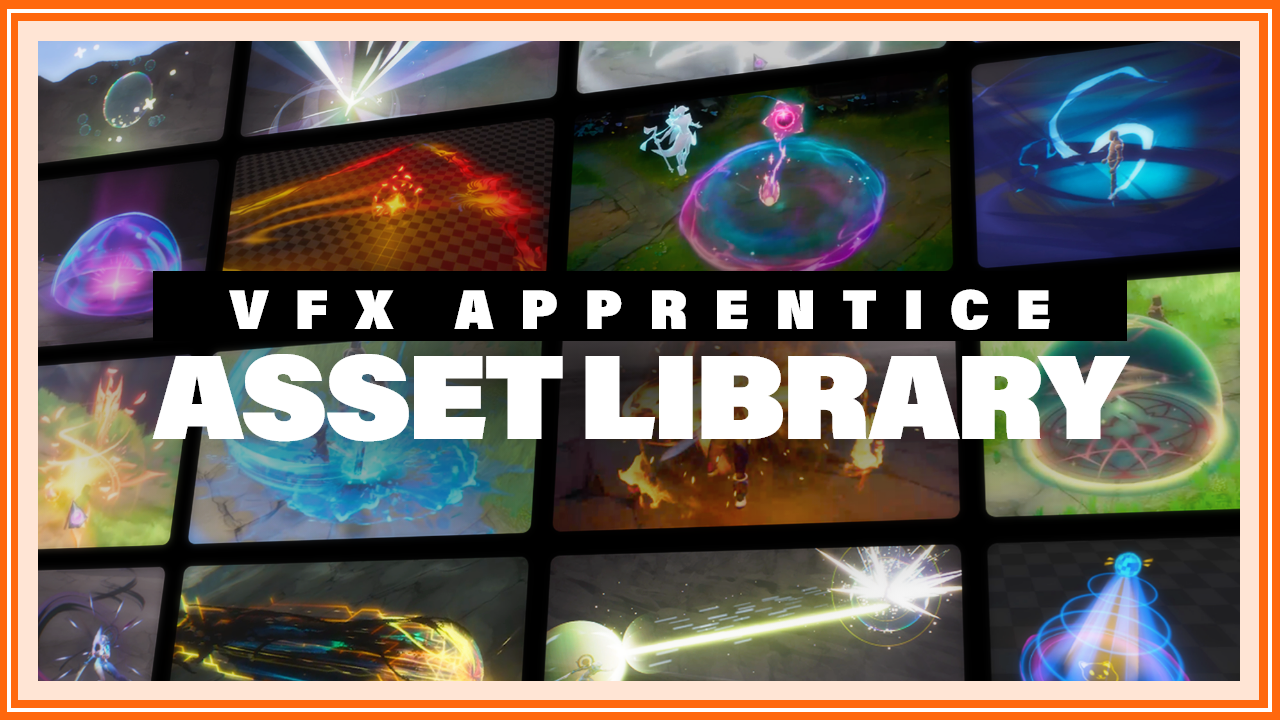
What is Kitbashing?
The term "kitbashing" originates from army model painting hobbies, such as the popular Warhammer 40k tabletop game. It refers to building a custom model by using spare parts from different "kits" intended to assemble multiple other models. This often requires some disassembling and creativity to make the pieces fit together. For example, you could add the jetpack of one model's kit to another base model to make it fly. Although these changes usually only have cosmetic influences and don't change the rules of any given figure.
Some people see this differently than the term "conversion," which is when you build a totally unique model, although the word "kitbashing" doesn't have a strict definition.
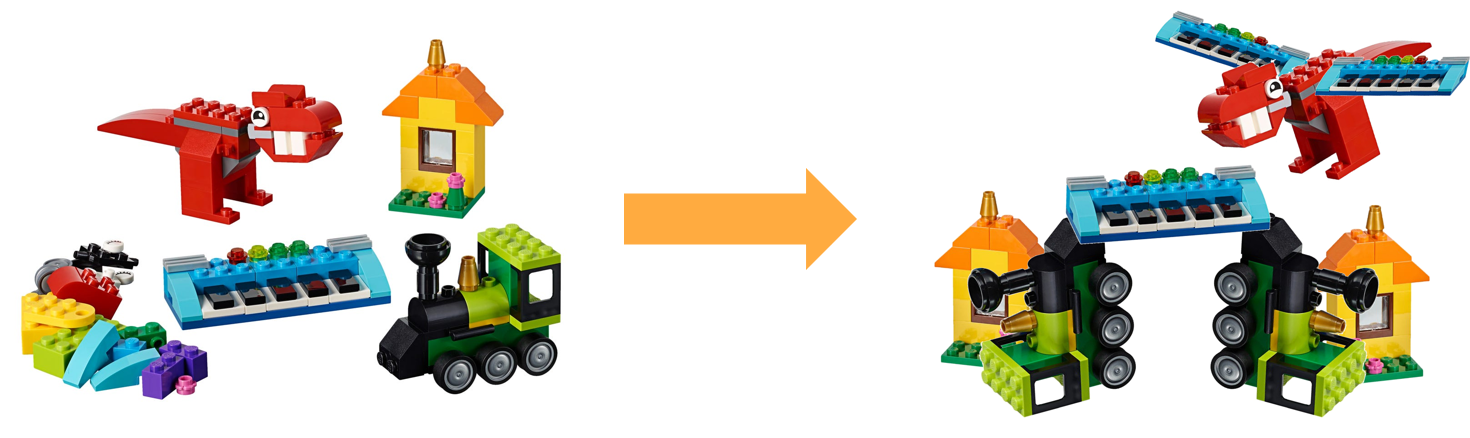
Kitbashing is like building Lego!
Kitbashing in VFX!
We in VFX often refer to kitbashing when we take elements from other effects and combine them into something new and unique! This can be as simple as reusing textures originally built for another effect or as big as reusing a full part of a previous effect. Recolouring and retiming the elements until they fit together nicely.
For example, we could combine these two effects now available in the VFX-A Asset Library:
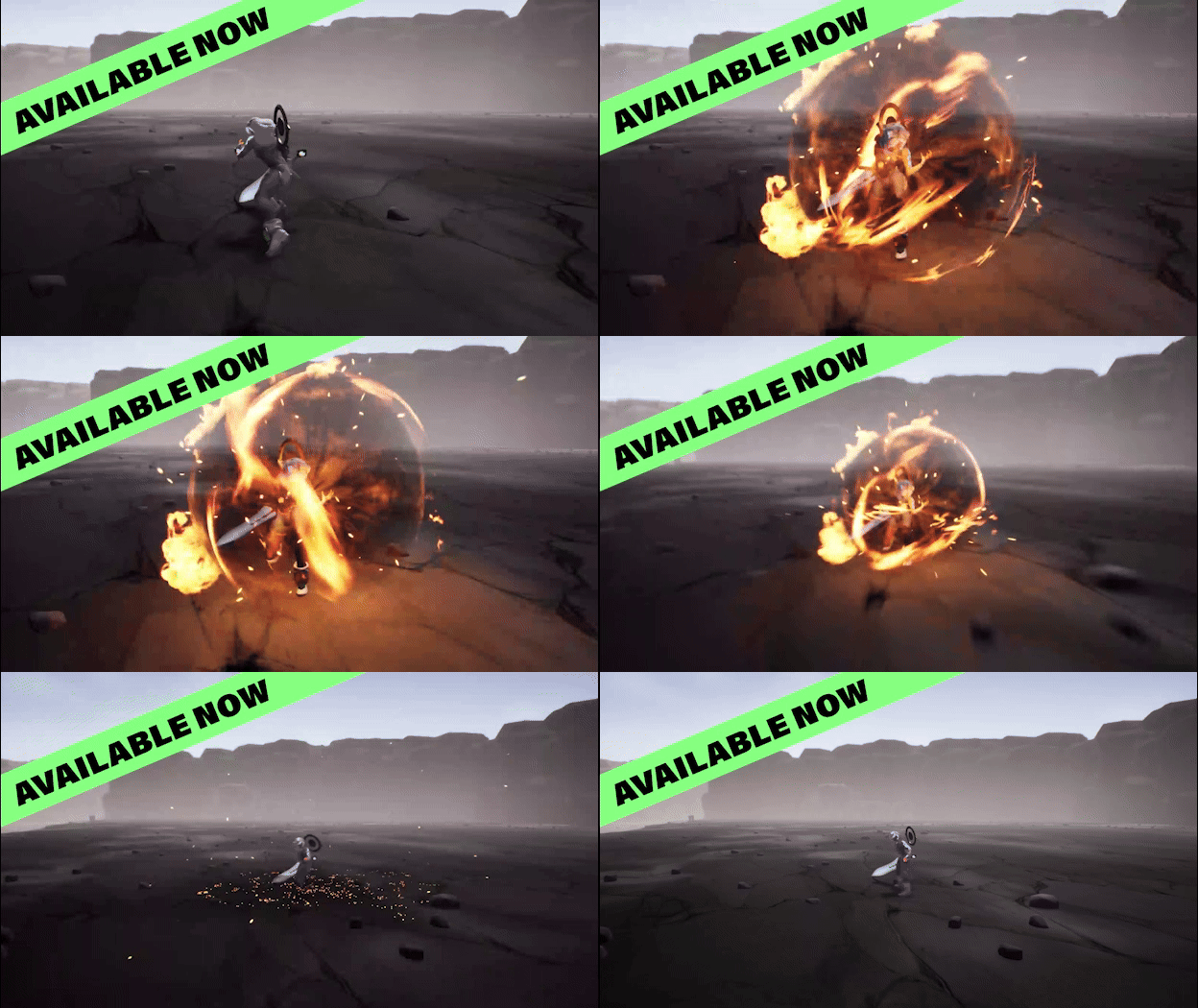
Flame Burst by De Andre Martin: Unreal 5 Project included in the VFX-A Asset Library
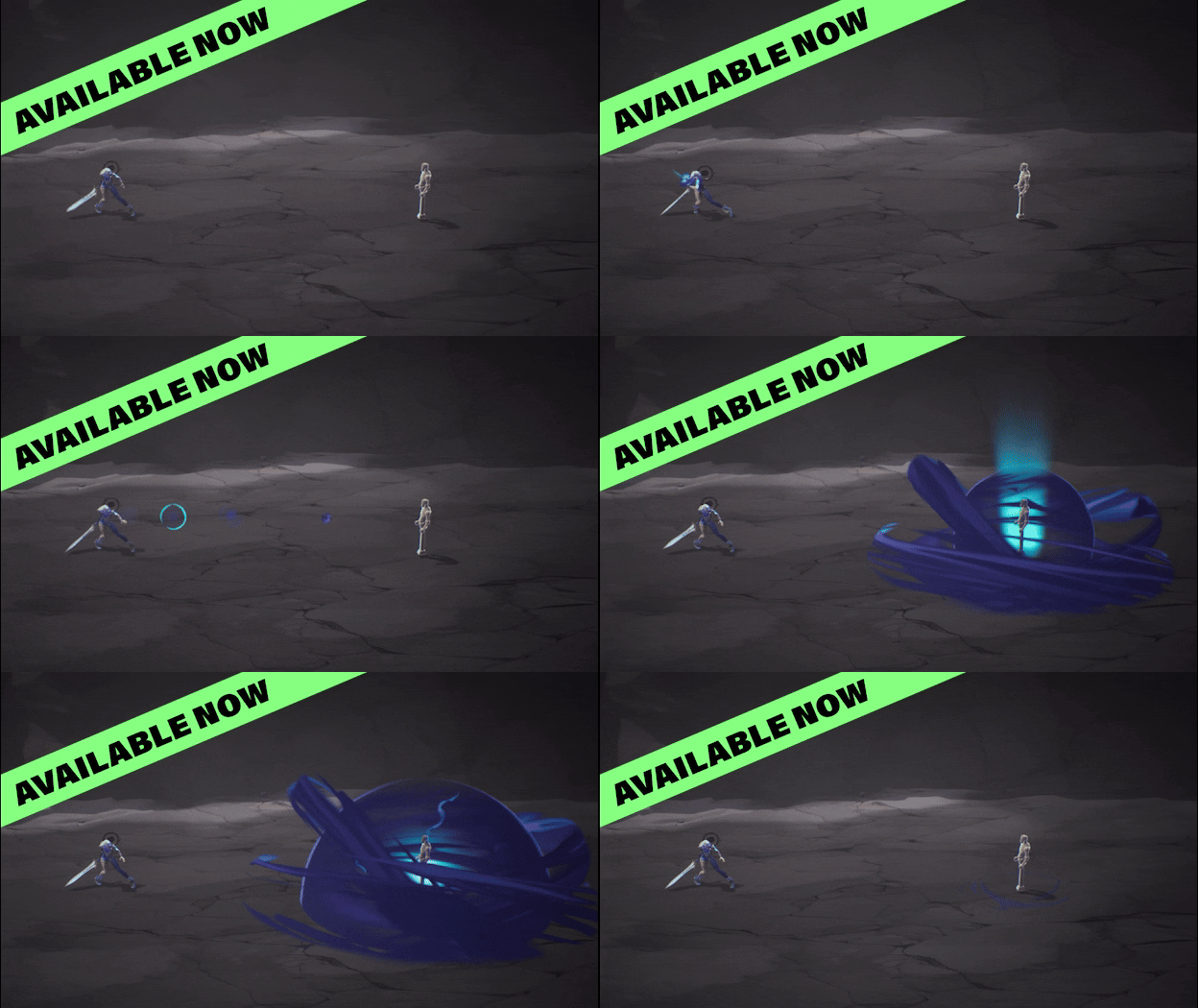
Omen Smoke Fanart by Katie Stine: Unreal 5 Project included in the VFX-A Asset Library
And create a unique new damage or shield effect by taking elements from both effects, adding additional elements as needed. Here we used the wind-up effect of our Booms and Blasts Lightning strike ability:
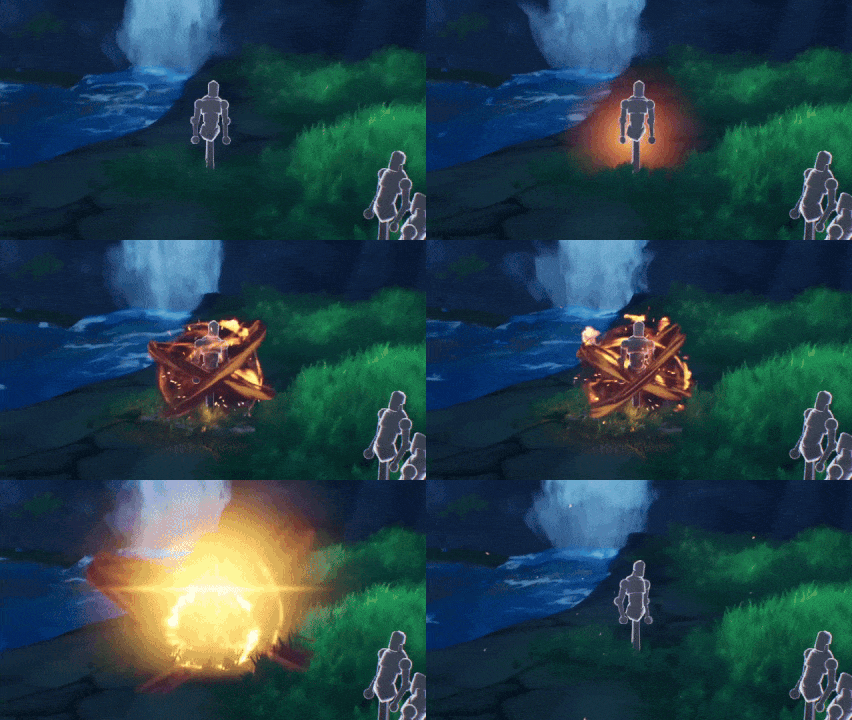
This kitbashed effect shows an example of combining some or our Asset Library emitters with some of our course content emitters.
Kitbashing & its use in Studio Environments
Mature game projects with multiple years of development history offer a library of assets to use for creating VFX. Working in such a game dev pipeline, most of your time is spent reusing existing assets. Taking textures, meshes, shaders, and even whole particle systems from already existing effects and finding creative ways to combine them into new effects.
This not only drastically reduces the time it takes an artist to create a new VFX composition, but also ensures the file sizes and asset counts are as optimized as possible. For example, if all effects artists on a project try their best to only use existing textures, the common problem of Texture_"Impact-star-57" is avoided.
Only the most specific problems require the creation of a new asset. And once created, each new asset fuels the creation of hundreds of new particle systems.
As a mature multi-year project, VFX Apprentice now offers a kitbashing pipeline by featuring an exclusive library of the best works from VFX artists throughout our community, so you can focus on honing the craft of VFX in just the same way you would working on a AAA game dev project.
THE NEW VFX-A ASSET LIBRARY! Work like a Pro!
Get access to a library of educational assets to integrate into your learning journey and enhance your VFX!
All assets are fully accessible, and the provided project can be studied, taken apart, and reused by you and other students. Learn how truly impressive VFX are made, get ideas from the existing projects, kitbash, and build your own library of assets to tinker, learn, and create with.
How do I get access to these assets?
There are two ways to get access. You can either sign up for an All Access Subscription OR you can donate a project you've created to the asset library.
That's it, all of these projects are at your disposal and available anytime you want to experiment and learn a new technique!
Keep in mind that all assets are for educational use ONLY and are not to be sold or used in a professional environment!
SAVE BIG on VFX Apprentice All Access until the end of the year!
Take advantage of the perfect opportunity to advance your VFX journey! 🔥
Stream the vast library on VFX Apprentice.com, including over 230 hours of 2D, 3D, and real-time VFX training within the All Access subscription.
How to combine projects: Learn to export assets in Unreal 5!
- Download, unzip and open the desired Project library asset
- Right-click the folder with the desired effect and select "Migrate..."
- In the pop-up window, deselect all assets you don't want to transfer
- Navigate to the Content folder of the receiving project and click "Select Folder"
- Open your base project and find the folder with the newly included Library assets!
Additional tips:
- Make sure the Unreal project you are migrating INTO uses the same engine version as the project you are migrating FROM
- We recommend starting from a new "VFX-A Sandbox project" adding library assets over time
- In this case, you will want to deselect the "VFX Apprentice" assets in the Migrate options
- (After the migration, the assets might temporarily vanish from the original project. Don't worry, just restart the project and they should reappear)
- But you can also make a copy of the project before migrating out any assets
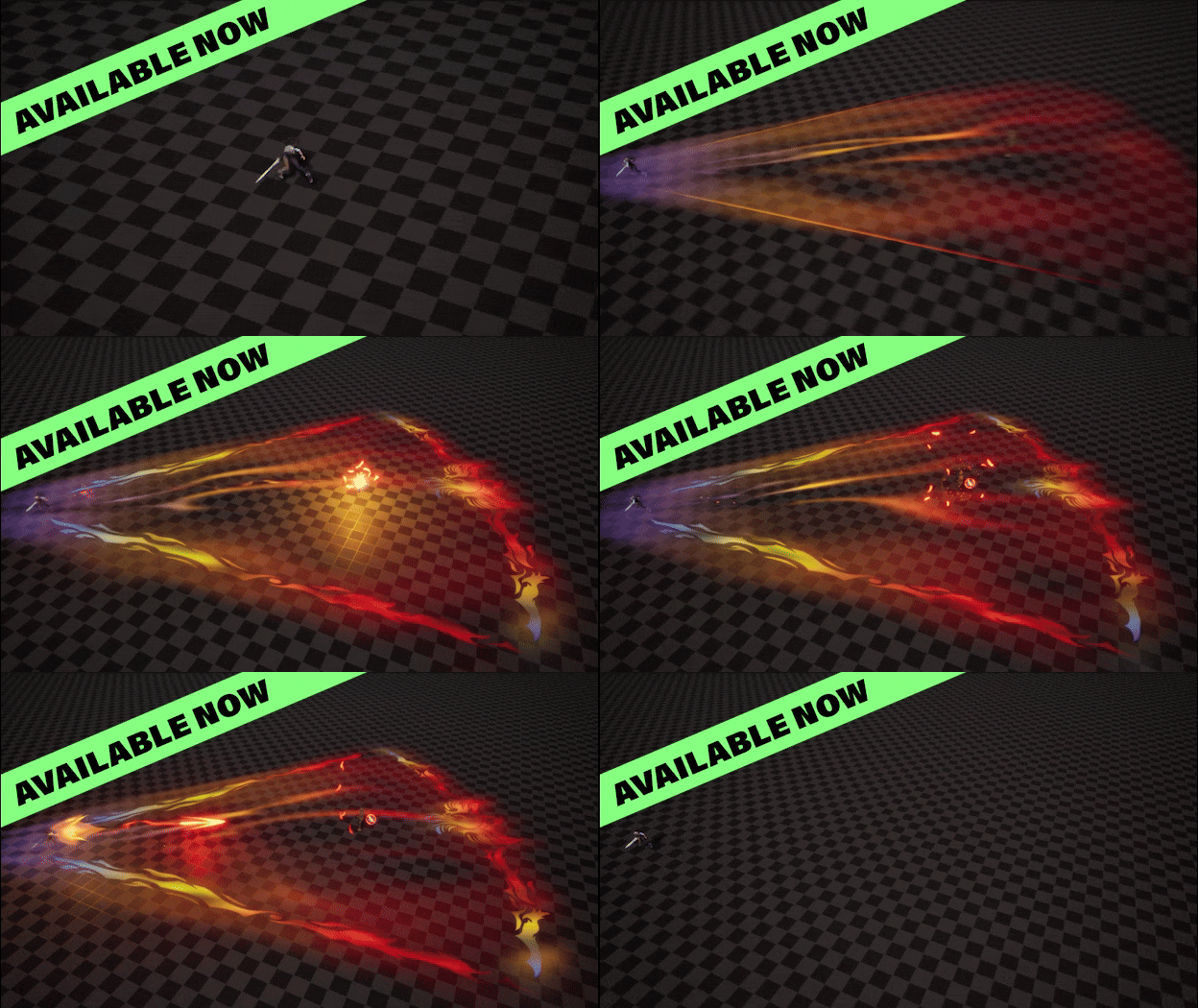
Phoenix Call by Orçun Sarı: Unreal 5 Project included in the VFX-A Asset Library
How to combine projects: Learn to export assets in Unity!
- Download, unzip and open the desired Project library asset
- Right-click the folder with the desired effect and select "Export Package..."
- In the pop-up window, deselect all assets you don't want to transfer and make sure the "include dependencies" checkbox is checked and click "Export"
- Navigate to a folder on your hard drive you want to store the asset, name it and click "Save"
- Open your base project and find the folder with the newly created .unitypackage file.
- Drag and drop the unitypackage into your project and click import. Done!
Additional tips:
- We recommend starting from a new "VFX-A Sandbox project" adding library assets over time
- In this case, you will want to deselect the "VFX Apprentice" assets in the Export options
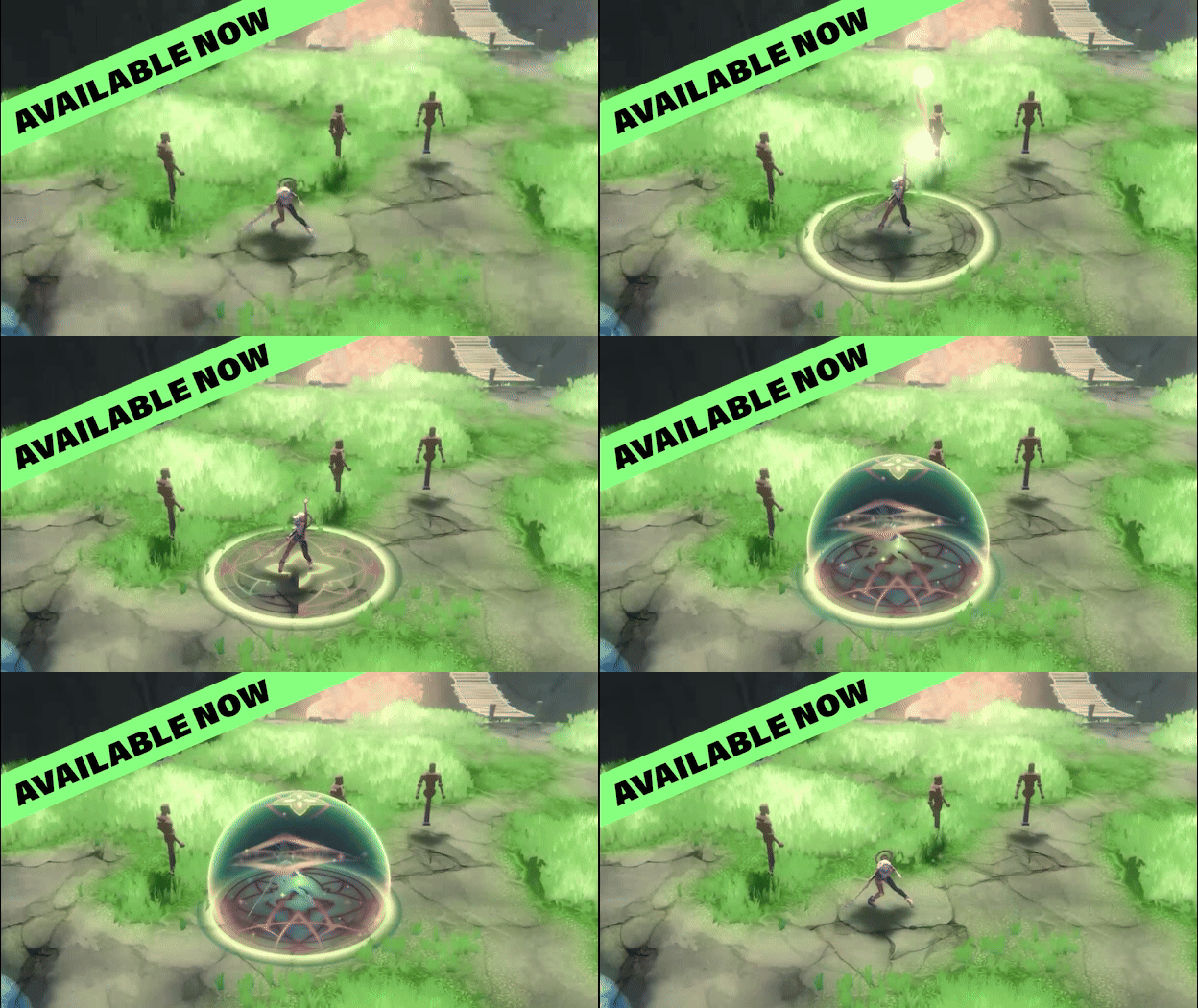
Shield Sphere by Harmonie Duquesne: Unity Project included in the VFX-A Asset Library
What is VFX Apprentice All Access?
The VFX Apprentice All Access subscription includes over 230 hours of 2D, 3D, and real-time VFX training for games and animation. Members can also access exclusive community channels where they can get feedback on their work, join weekly hangouts, and participate in community challenges and events.
All Access includes 30+ instant access FX courses guiding you from a complete beginner to a professional level! You can browse all of the courses and lessons on the FX Courses page.
Learn VFX for Games and Animation
Are you ready to elevate your VFX skills and work on video games and animated projects like the pros? Our VFX courses are led by FX industry leaders who will not only guide you through fundamentals, but they will also prepare you to work at leading studios and VFX houses.
Start Your VFX Apprenticeship
Begin your journey towards mastering FX for games and animation. Join VFX-A All Access and discover cutting-edge 2D, 3D, and real-time FX training.